AI Chat Logs
The AI Chat Logs feature allows you to check conversation history with AI in Threedive AI.
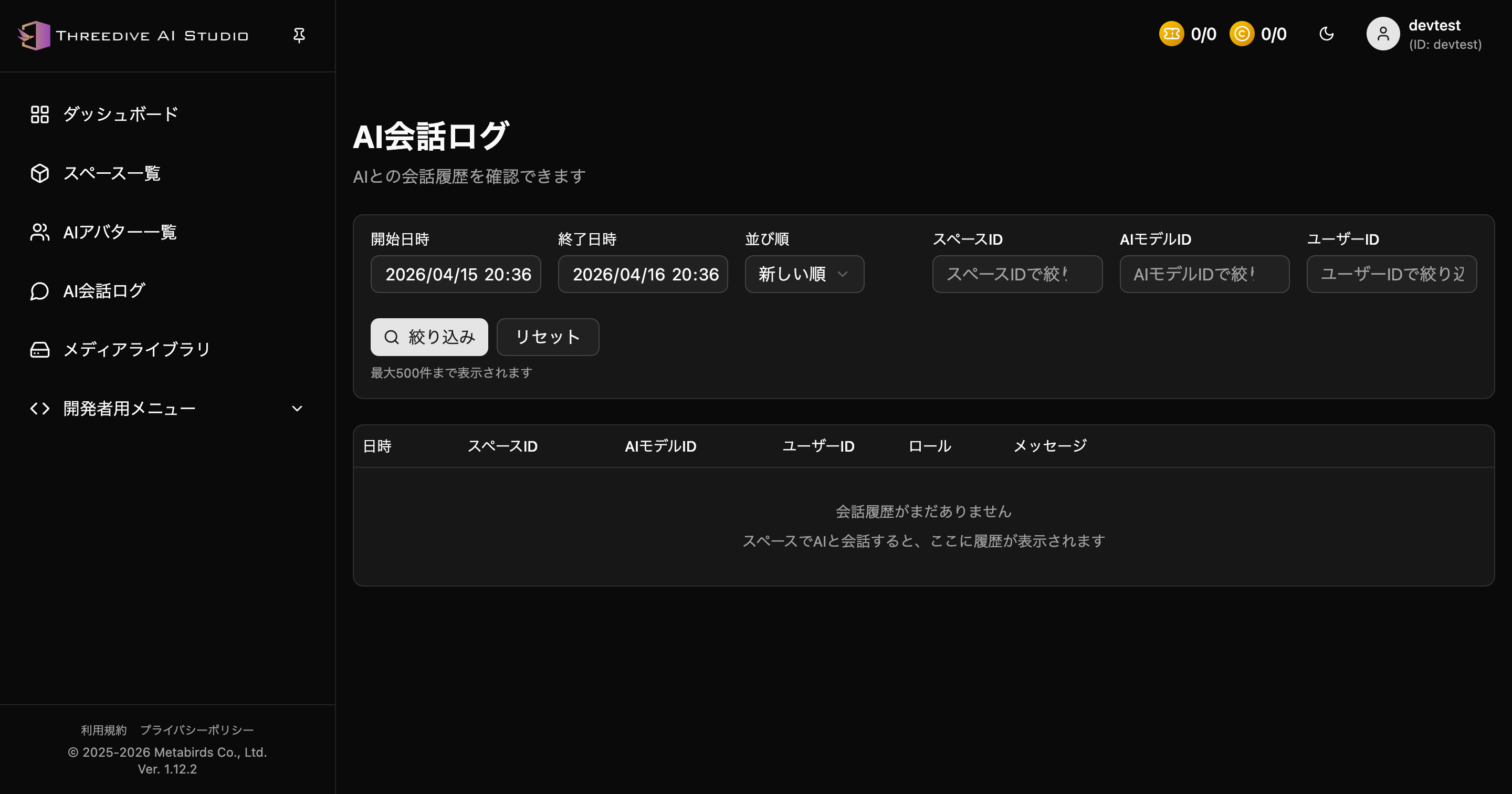 AI Chat Logs screen - Check and filter conversation history
Overview
In AI Chat Logs, you can check the following information:
- Date/Time: Date and time conversation occurred
- Space ID: Identifier of space where conversation occurred
- AI Model ID: Identifier of AI model used
- User ID: Identifier of user who had conversation
- Role: Whether statement is from user or AI
- Message: Actual conversation content
Main Features
Filter Function
You can filter conversation logs by the following conditions:
- Start Date/Time: Specify search period start date/time
- End Date/Time: Specify search period end date/time
- Sort Order: Sort by newest first or oldest first
- Space ID: Filter to specific space conversations
- AI Model ID: Filter to specific AI Avatar conversations
- User ID: Filter to specific user conversations
Display Limit
- Up to 500 logs are displayed
- To check more logs, filter by date/time
How to Use
- Select "AI Chat Logs" from left menu in Threedive AI Studio
- Set filter conditions as needed
- Click "Filter" button to search
- Conversation logs are displayed in list
- Click "Reset" to return conditions
Empty State
If there is no conversation history yet, "No conversation history yet" is displayed. When you have conversations with AI in spaces, history accumulates in this list.
Notes
- Please manage conversation logs with privacy considerations
- Check Threedive AI Studio for log retention period