v1.10.0
· 2 min read

🎉 New Features
Space BGM Settings Added
You can now set BGM for each Space.
Configure in Space > Media Settings > BGM Settings.

Press the button to open the settings dialog.
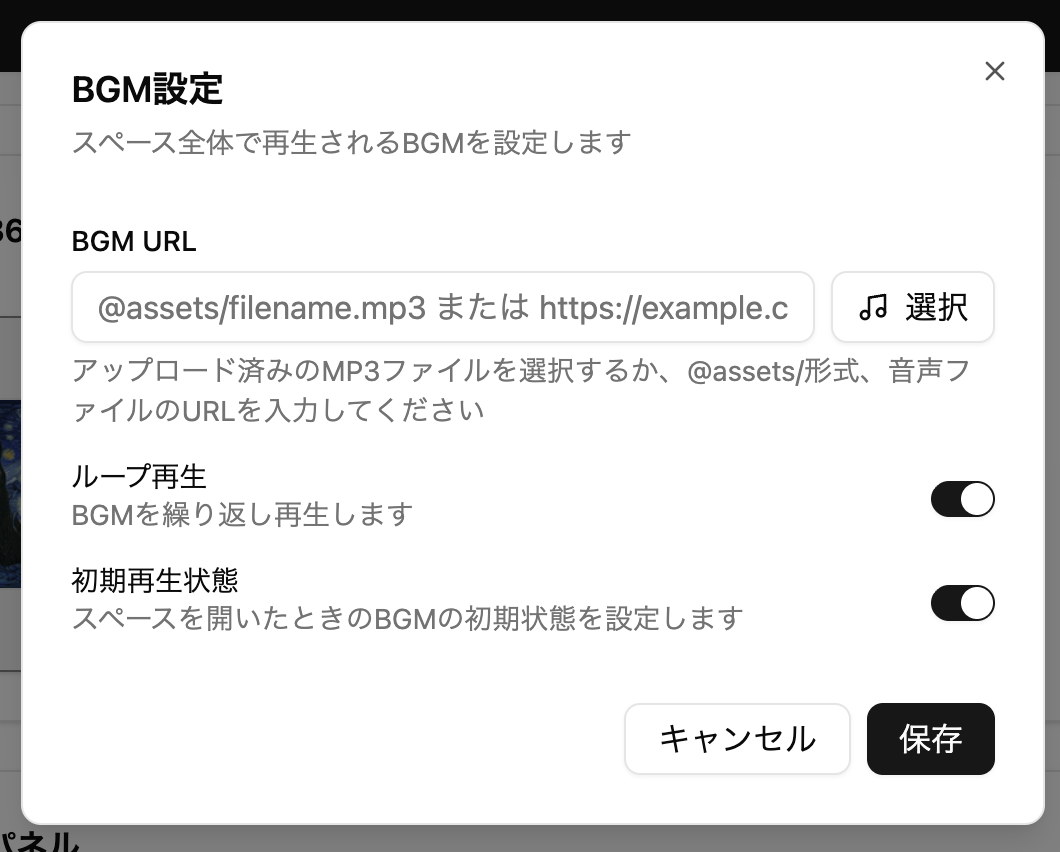
- You can specify the following two types of BGM:
- Mp3 files uploaded to the Media Library
- External URL (https://...)
Please Note
*Please ensure in advance that there are no copyright or other licensing issues when using music files.
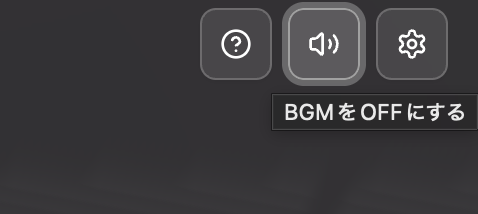
You can switch playback and stop with the speaker icon in the upper right of the Space screen.
Management Screen Name Change
The management screen name has been changed to "Threedive AI Studio".

Ground Settings and Background Color Settings Added
Added Ground Settings and Background Color Settings to Advanced Settings > Scene Settings
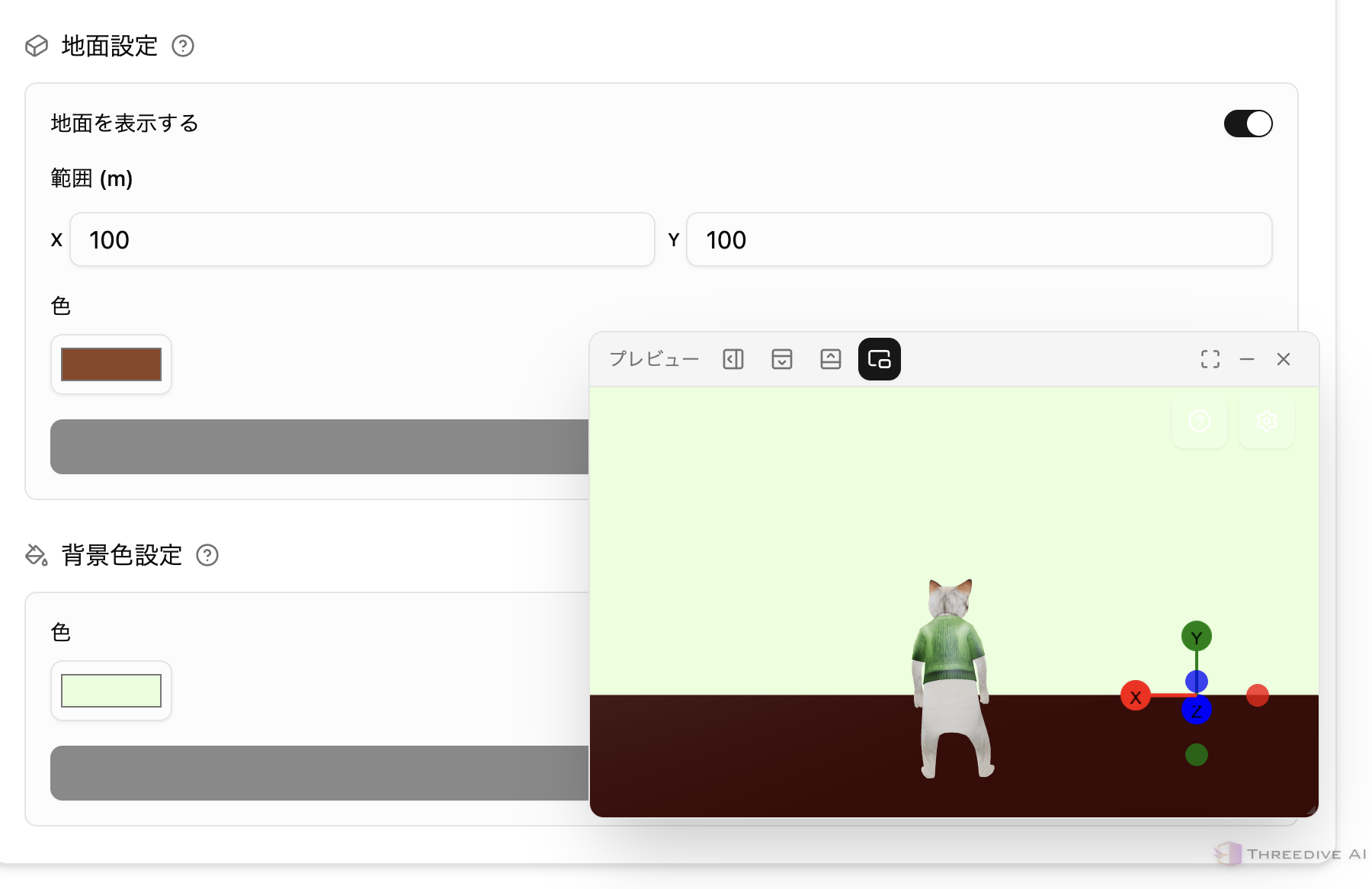
Ground Settings
- Adds a floor that characters can move on
- You can change the size and color
Background Color Settings
- Sets the background drawing color when a 360-degree panorama image is not set or until it is loaded
🔧 Bug Fixes and Improvements
- Reviewed the system prompt settings for AI Avatars, making instructions easier to convey
- Improved the accuracy of voice conversations with AI Avatars
- Fixed an issue where Autopilot might not reach the destination AI
- Fixed an issue where Space loading would stop at 100%
- Changed so that the camera does not penetrate collision data and Space movement range