v1.6.1
· One min read

The following features have been added.
Frame Rate Limitation Feature
How to change: Upper right ⚙ button > Frame Rate Settings
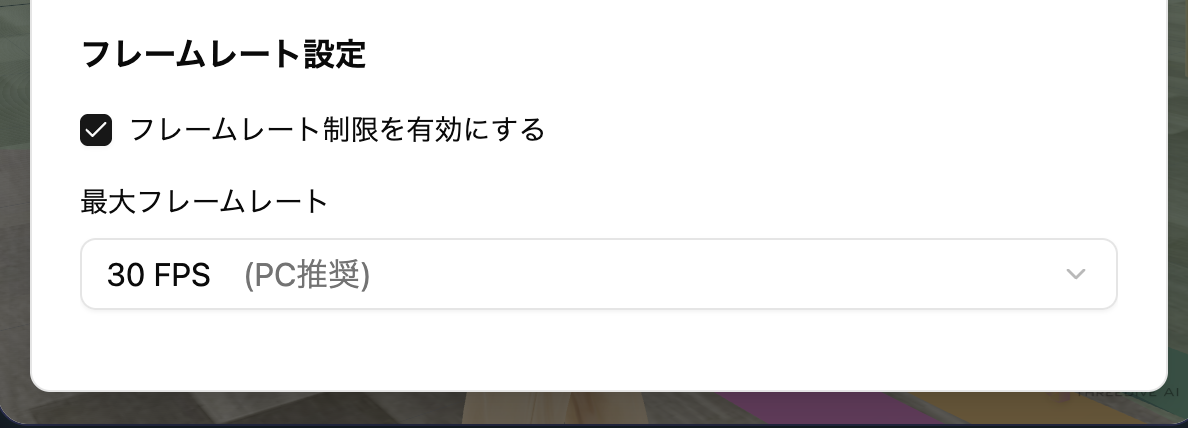
The initial settings are as follows.
- Enable frame rate limitation - On
- Maximum frame rate - 30FPS (PC/Mac) 15FPS (iPhone/Android, etc.)
info
FPS (Frames per second) is the value of how many times per second the screen refresh processing is performed. Generally, a higher value results in smoother rendering of animations, etc.
If you experience screen stuttering or high PC load when opening a Space, try lowering the frame rate.