v1.7.0
· 2 min read

🎉 New Features
Multiple Methods for Creating Spaces
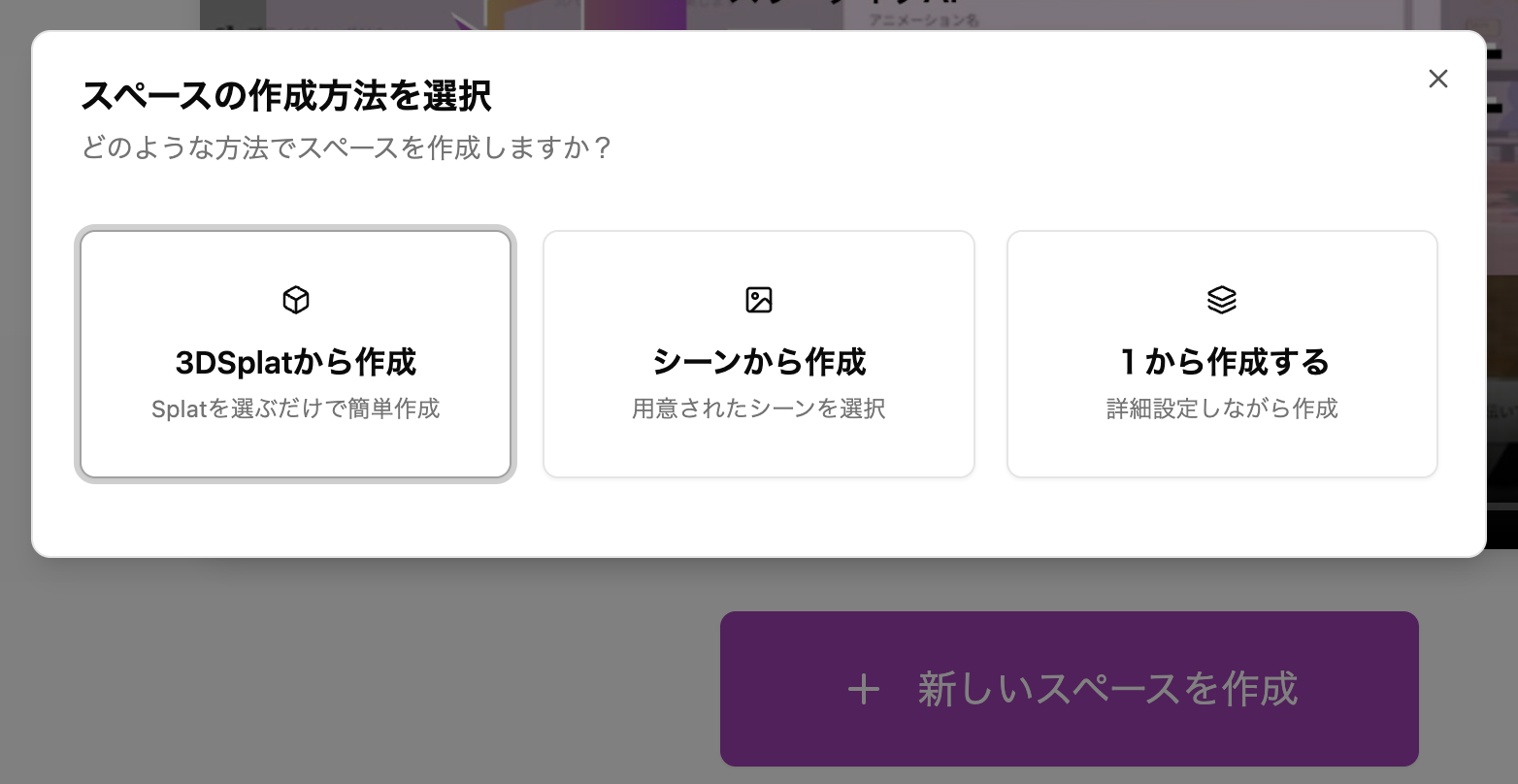
When you press the create new Space button, you can now select from the following methods:
- Create from 3D Splat ... Create a Space by selecting a 3D Gaussian Splatting file registered in the Media Library
- Create from Scene ... Create a Space by selecting a prepared Scene
- Create from scratch ... Create a Space step by step as before
Upload Reference Images for AI Image Generation
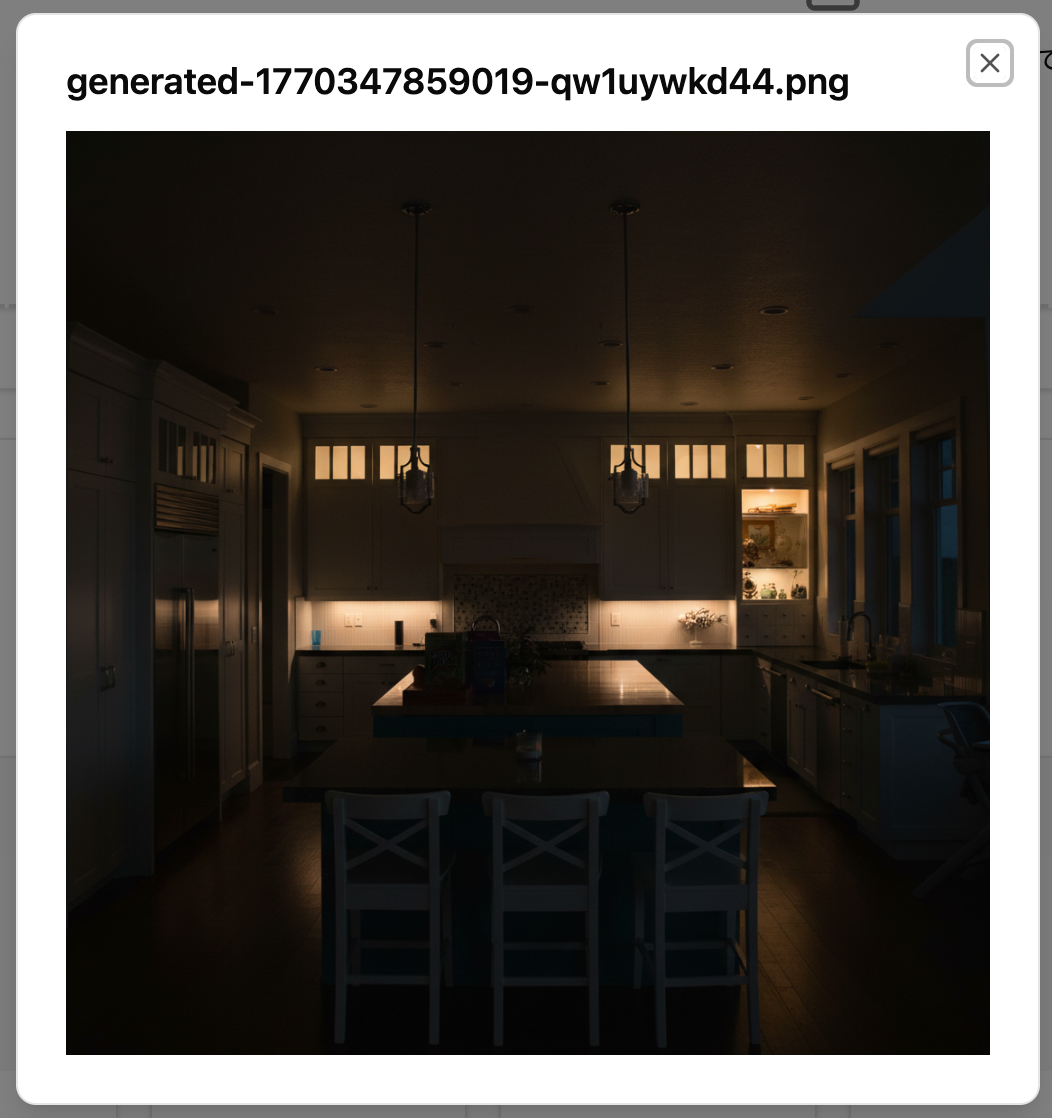
You can now upload reference images when generating AI images (up to 4 images).
Upload screen
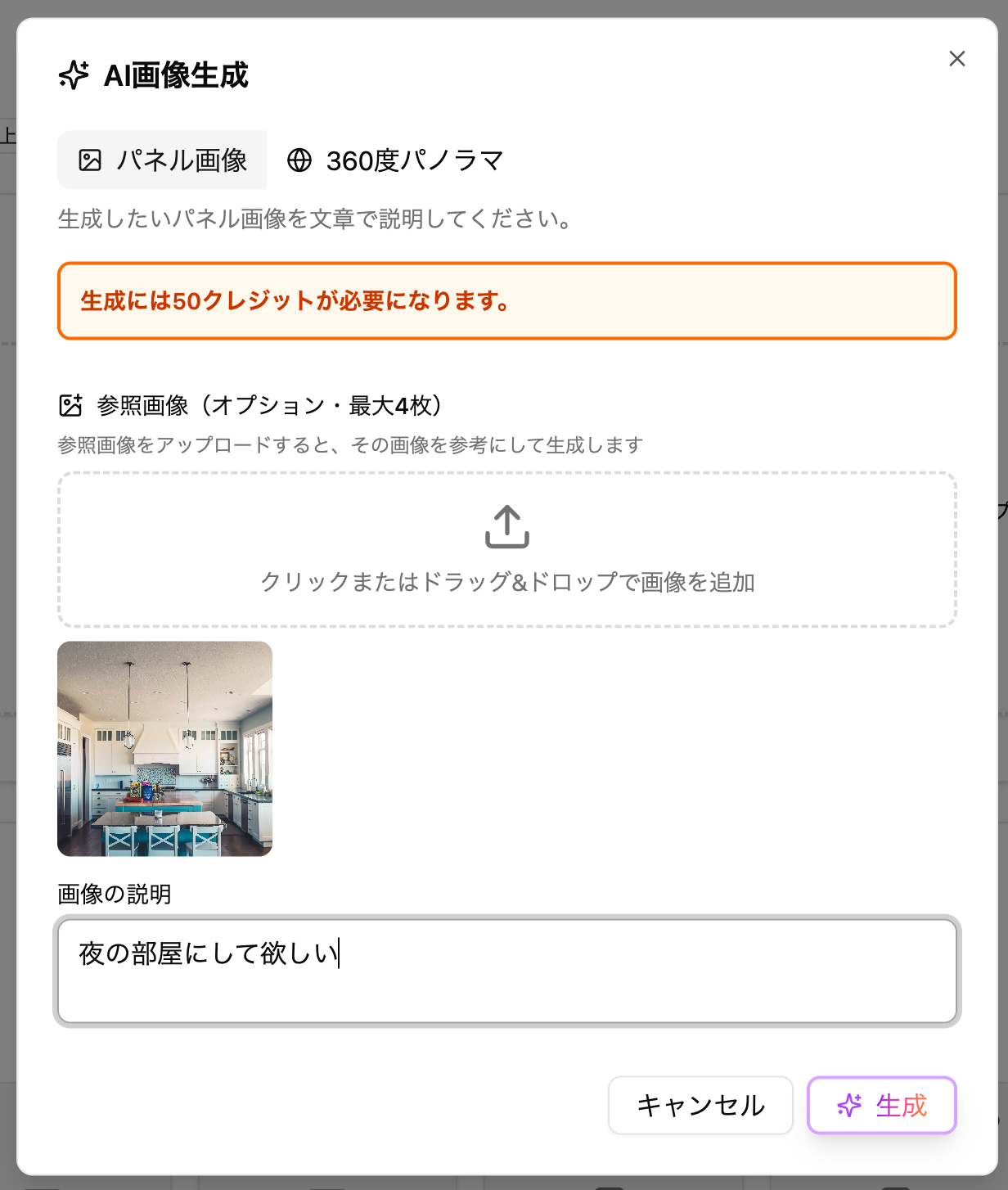
Generation example
Changed "Rotation" Display from Radians to Degrees
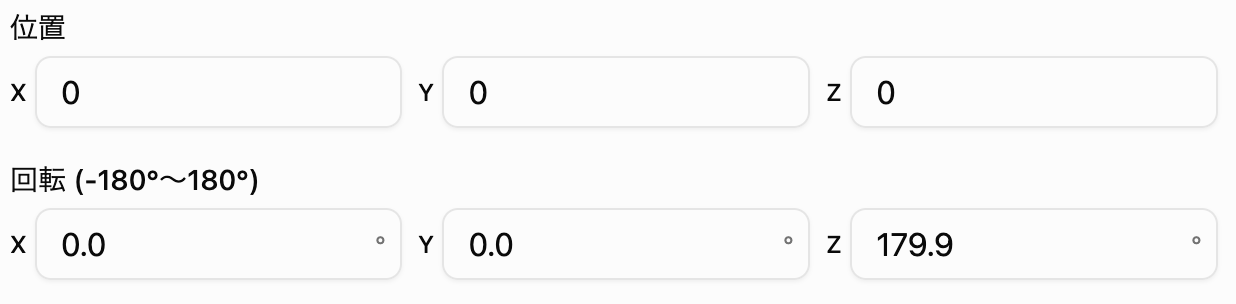
Angle displays in various settings have been changed from radians to degree notation (-180° to 180°).
The internal data has not changed, so existing Space settings can be used as is.
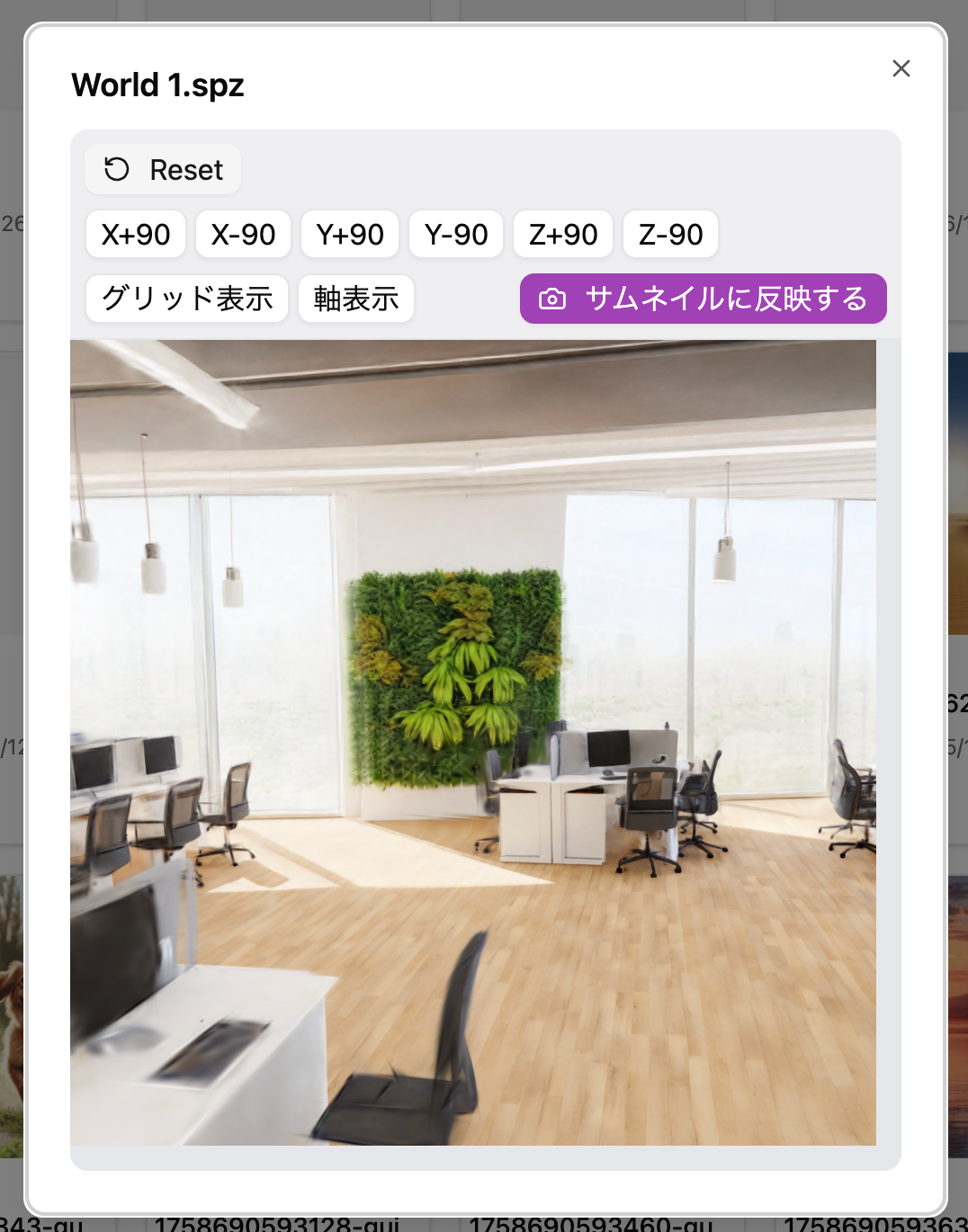
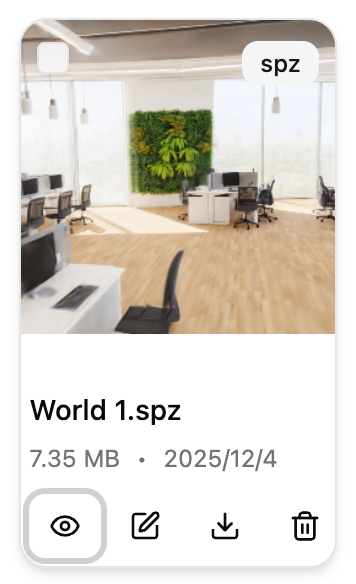
Added "Apply to Thumbnail" Button to 3D Splat Preview Screen
When previewing (👁️) 3D Splat files in the Media Library, you can now generate thumbnail images.
Procedure
- Change the preview to your preferred angle and press the Apply to Thumbnail button.
- The 3D Splat thumbnail will be displayed in the list
Bug Fixes and Improvements
- Integrated "3D Splat Placement" settings into "Model Placement"
- Deprecated
3D Splat PlacementinSpace > Advanced Settings > Category - Please use
Model Placement(and the display model URL inScene Settings) for 3D Splat placement going forward
- Deprecated
- Improved screen display for smartphones for some UI elements
- You can now set thumbnails for Spaces in formats other than png