v1.9.0
Overall: AI Settings & Placement Flow Improvements
We have comprehensively reviewed the flow from defining AI (AI Avatars) to placing them in Spaces.
Whether you create from a Space or from an AI Avatar, you can now place AI Avatars in Spaces with fewer steps than before.
🎉 New Features
Dashboard Added
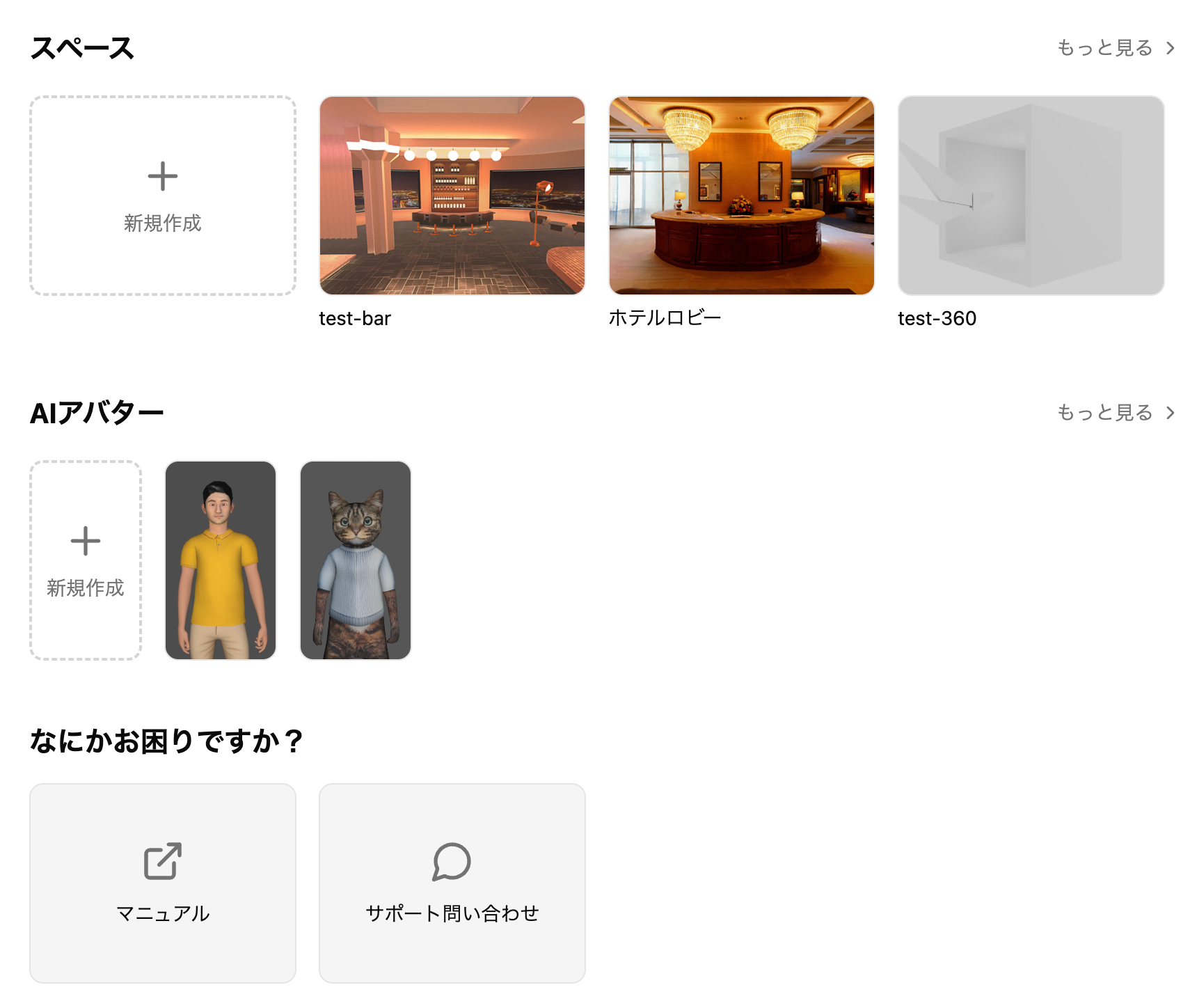
Added a dashboard (top page). You can now check Spaces, AI, and latest information all in one place.
AI Avatar Feature Added
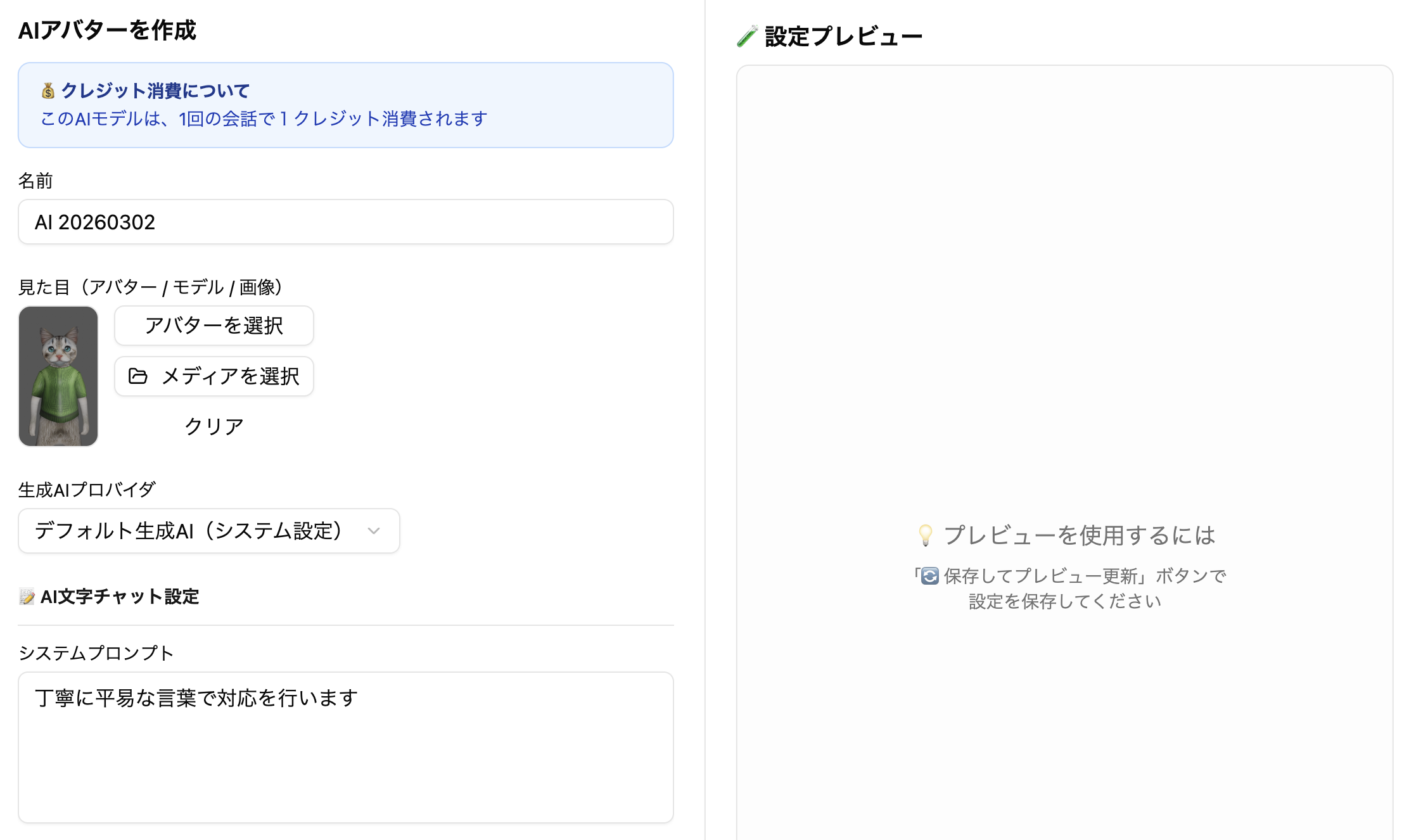
- You can now configure the appearance on the AI configuration screen
- The previous "AI Model Settings" page has been renamed to "AI Avatar List" page
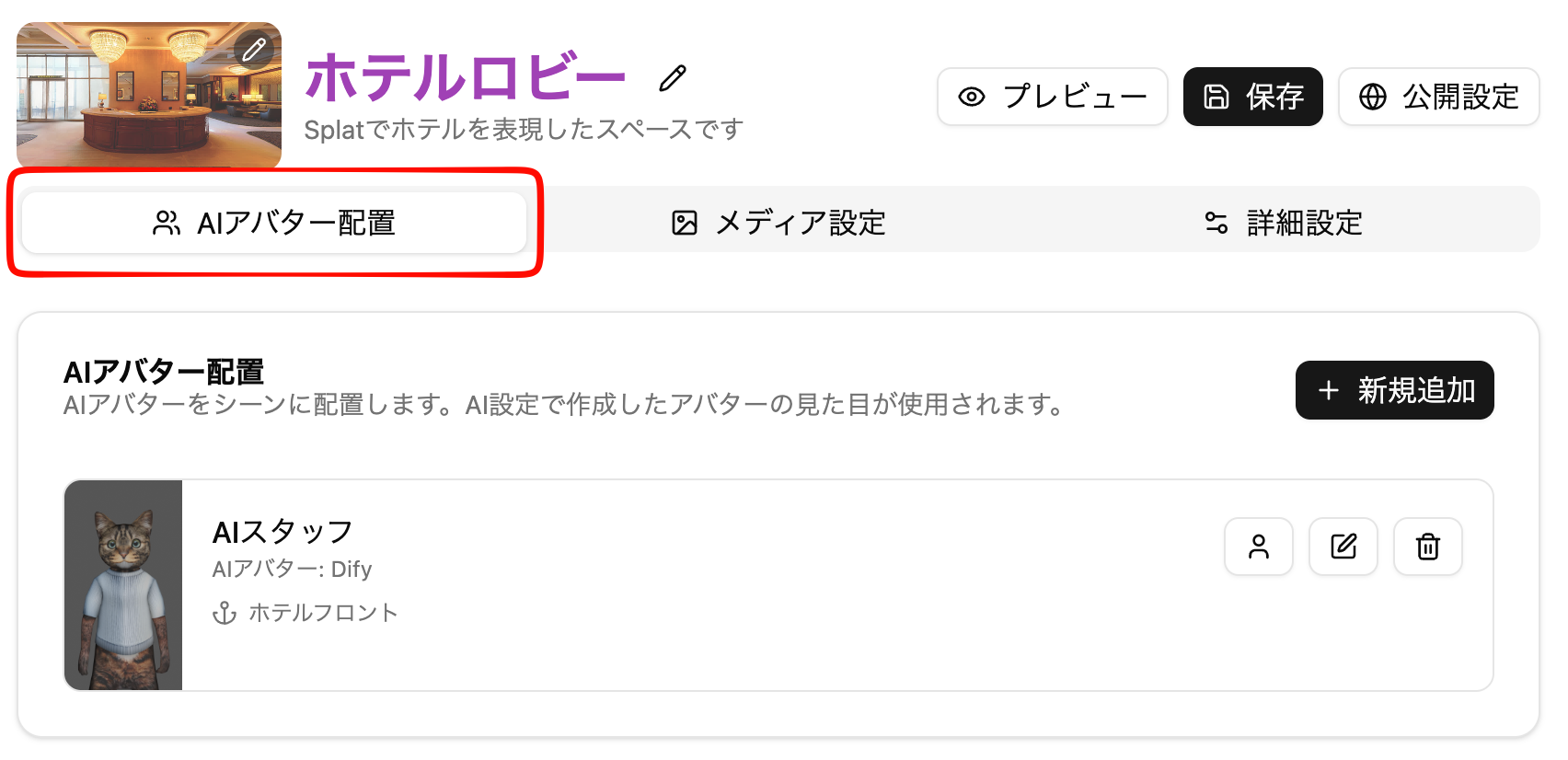
- Placement in Spaces is done in the newly added "AI Avatar Placement" tab in the Space settings screen.
Previously, AI settings were configured on the model placement screen, but with the addition of "AI Avatar Feature", this has become a deprecated feature. Please use the "AI Avatar Feature" going forward.
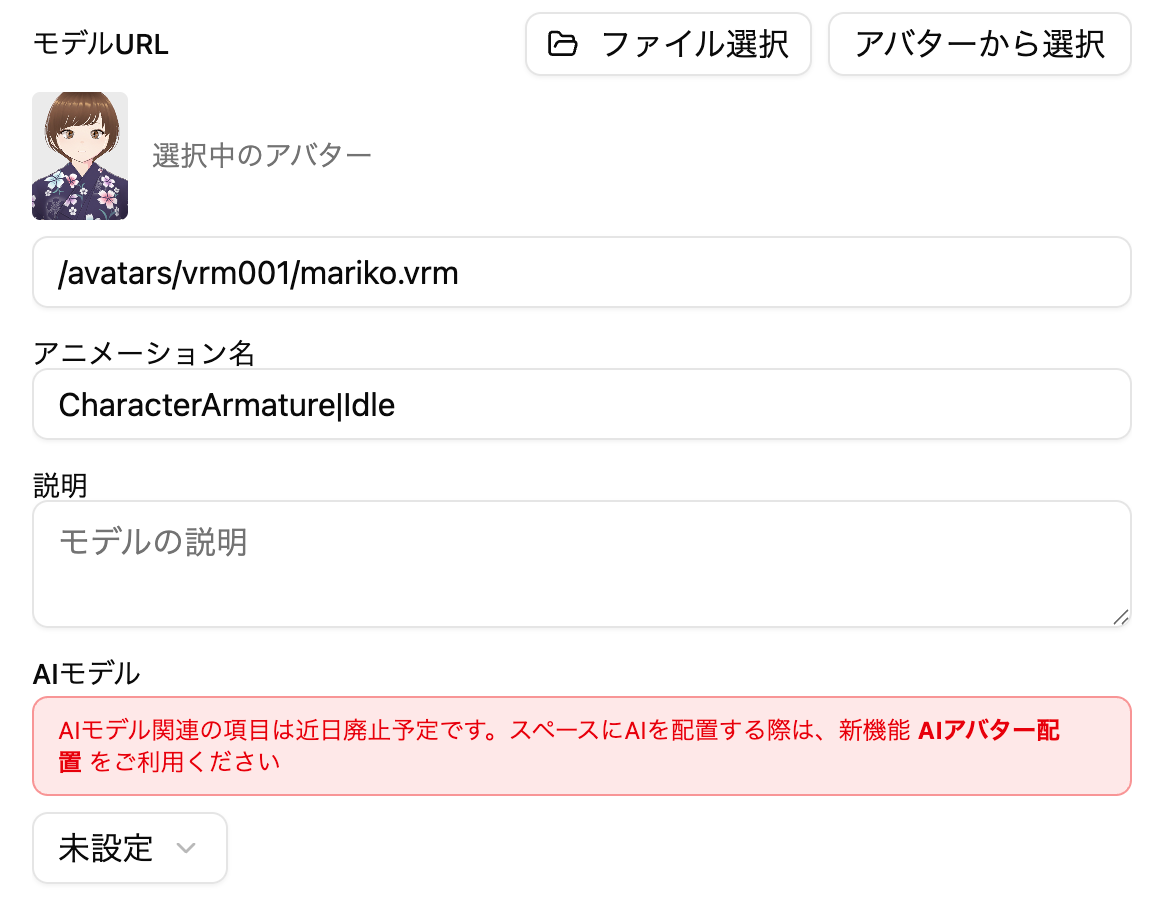
VRM Avatar Support
- Added VRM format avatars as user-controllable avatars.
- They can also be placed as AI Avatars
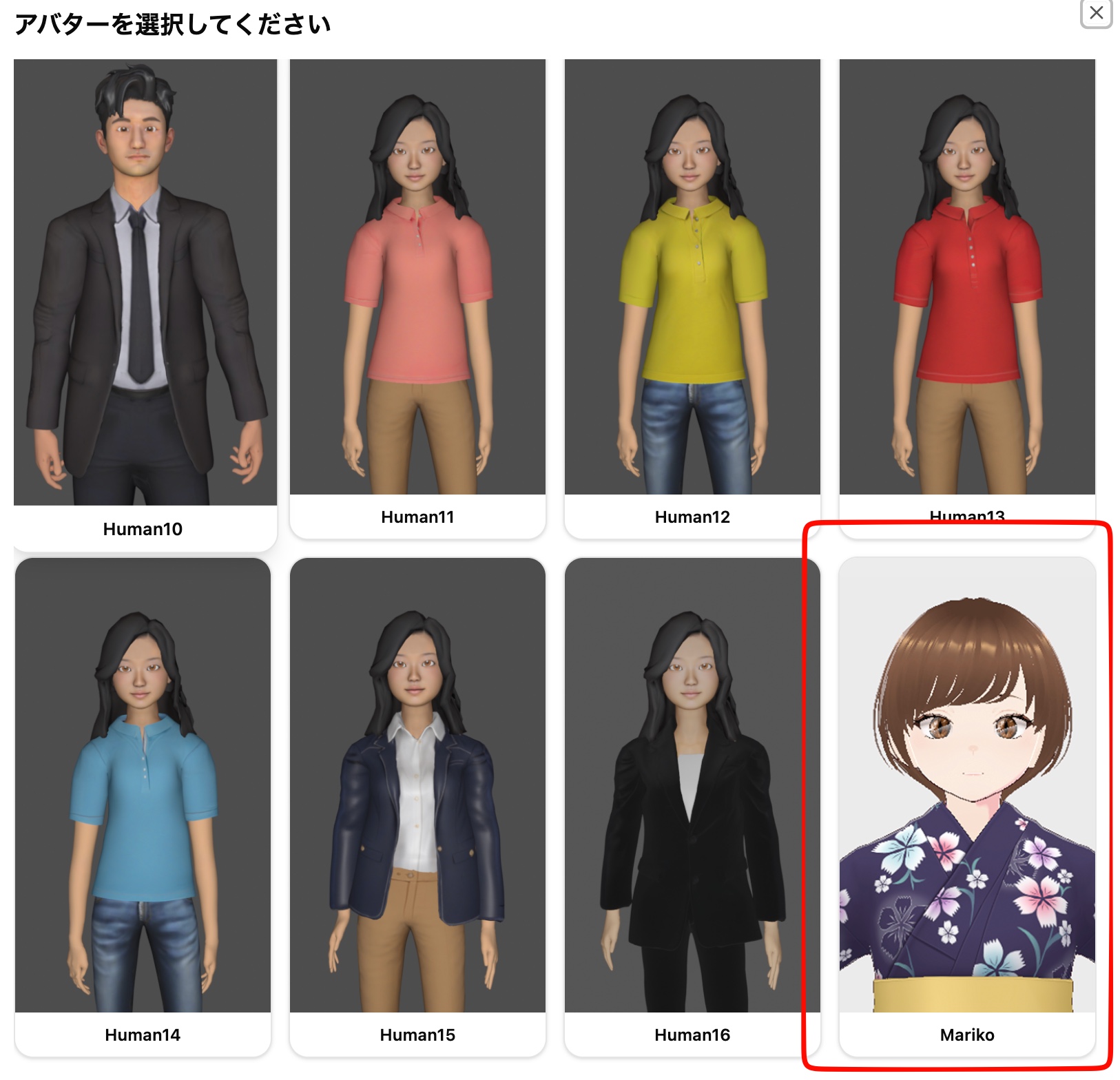
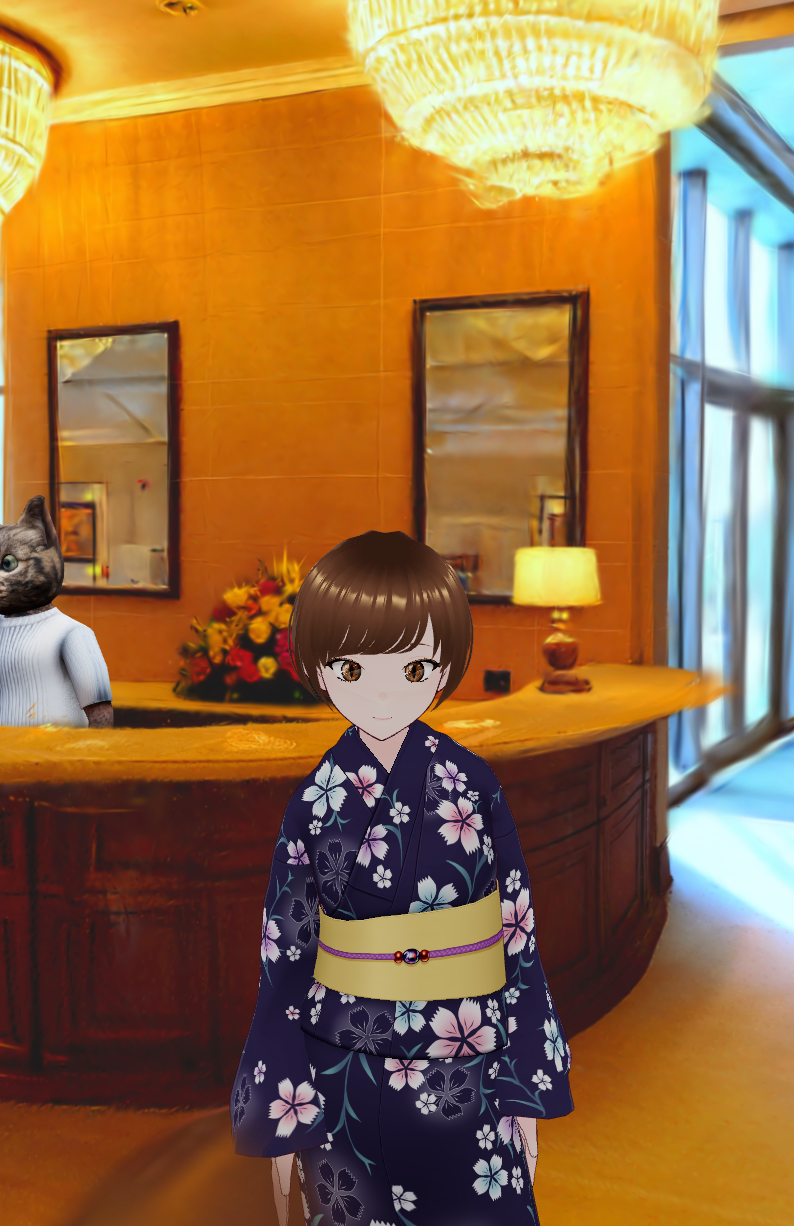
We plan to add functionality to upload and use your favorite VRM avatars in the future.
Preview Feature Enhancement
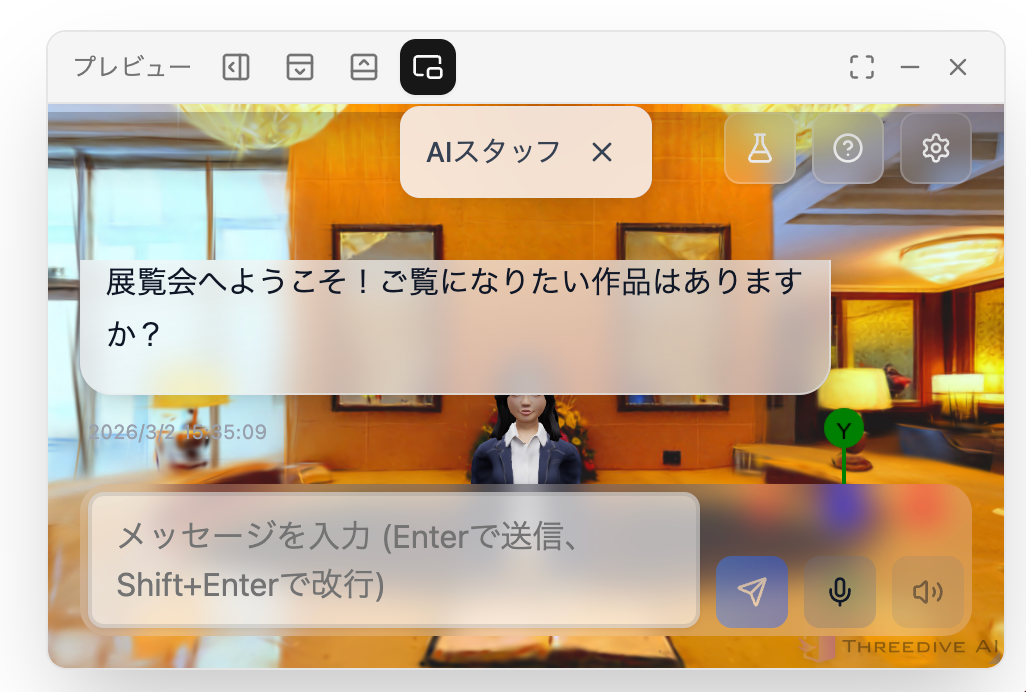
- Space preview screens can now be displayed in the following layouts
- Popup
- Top embedded
- Bottom embedded
- Right-side embedded (previous)
Animated GIF Display Support
- You can now display animated GIFs with the panel placement feature.
🔧 Bug Fixes and Improvements
Menu Items Organization
Organized the display content of the left-side menu.
- The link to the Subscription page has been moved to the left-side account menu
- Terms of Use and Privacy Policy have been moved to the footer section of the menu and dashboard
- Documentation and Contact links have been moved to the dashboard
Moved Space Basic Settings Feature
Space name, description, and thumbnail settings that were previously in the Space Settings > Basic Settings tab have been moved to the top of the screen.

Loading Screen Change
- Changed the display content and layout of the loading screen before Space display
Camera Control Improvements
- Improved an issue where the camera would go around to the opposite side of obstacles